Dark Icon Pack
Publisher Description

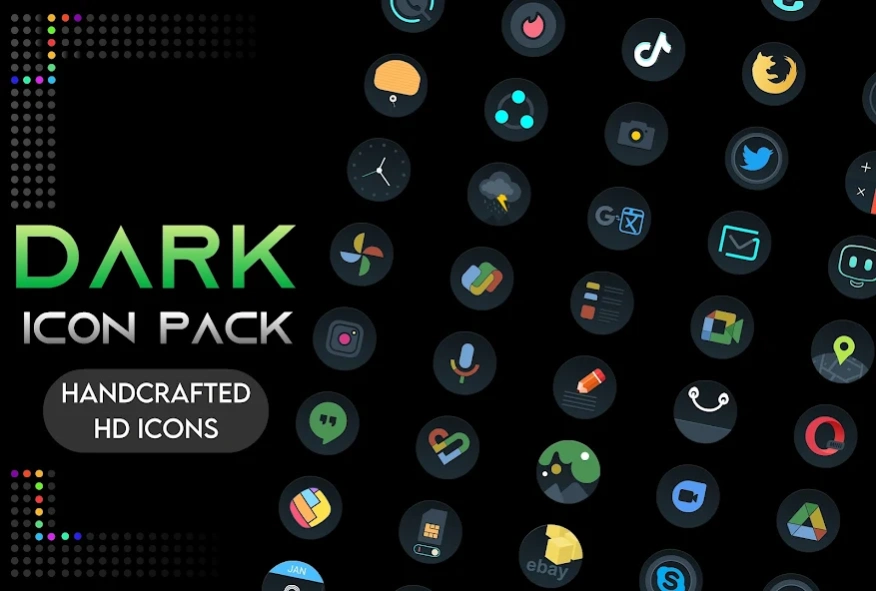


Change app icons, wallpapers with black icons themer & dark theme - Icon pack
Dark - icon pack to personalize icons of custom Launchers.
Free icon pack helps you to change app icon easily. Dark icon pack supports most Android Launcher apps & can change app icons within a few clicks. Icon pack contains hundreds of app icon.
Change home screen look easily with matching wallpapers and icons.
App icon are handcrafted & uniquely designed. Dark iconpack also offers dark mode wallpapers.
Custom app icons for Launchers are packed with love & care.
Icon Pack
- New icon pack
- Unique dark & black icons
- Works with most Android Launcher apps
- Dark icon pack contain HD app icon
- Only handcrafted custom app icons
Dark mode wallpapers
- Customise home screen with dark mode wallpapers
- Setup mobile in full dark mode
- New dark mode wallpapers arrive every day
New Icon pack
Icon pack apps are not standalone apps.
To apply New icon pack you need to install any custom launcher apps like Neox launcher, etc
Steps to change the new icon pack on Neox launcher
1. Install Neox Launcher from Play Store
2. Open Dark icon pack - click on Apply
Or watch our How to apply video https://www.youtube.com/shorts/qjR4zwtae1s
▶ Support us
Without your support we are nothing. Please support us by giving ratings & comments.
It will also inspire us to develop more free icon pack for you.
Thanks for installing the Icon Pack.
About Dark Icon Pack
The company that develops Dark Icon Pack is Wallpapers and Themes. The latest version released by its developer is 1.0 .
To install Dark Icon Pack on your Android device, just click the green Continue To App button above to start the installation process. The app is listed on our website since 2026-06-19 and was downloaded 41 times. We have already checked if the download link is safe, however for your own protection we recommend that you scan the downloaded app with your antivirus. Your antivirus may detect the Dark Icon Pack as malware as malware if the download link to com.nkart.darkip is broken.
How to install Dark Icon Pack on your Android device:
- Click on the Continue To App button on our website. This will redirect you to Google Play.
- Once the Dark Icon Pack is shown in the Google Play listing of your Android device, you can start its download and installation. Tap on the Install button located below the search bar and to the right of the app icon.
- A pop-up window with the permissions required by Dark Icon Pack will be shown. Click on Accept to continue the process.
- Dark Icon Pack will be downloaded onto your device, displaying a progress. Once the download completes, the installation will start and you'll get a notification after the installation is finished.
Program Details
System requirements
Download information
Pricing
Version History
version
posted on 2026-06-19
version 1.2.1
posted on 2024-05-17
v1.2.1
some bug fixes
library updates
v1.2.0
added 102 new icons
one click to apply support 37+ launchers
version 1.2.0
posted on 2024-05-03
added 102 new icons
one click to apply support 37+ launchers
version 1.0.8
posted on 2024-01-17
added 125 new app icons
version 1.0.5
posted on 2023-12-27
some UI enhancements
